Recycling Baler PLC Faults: Common Error Codes and Practical Fixes

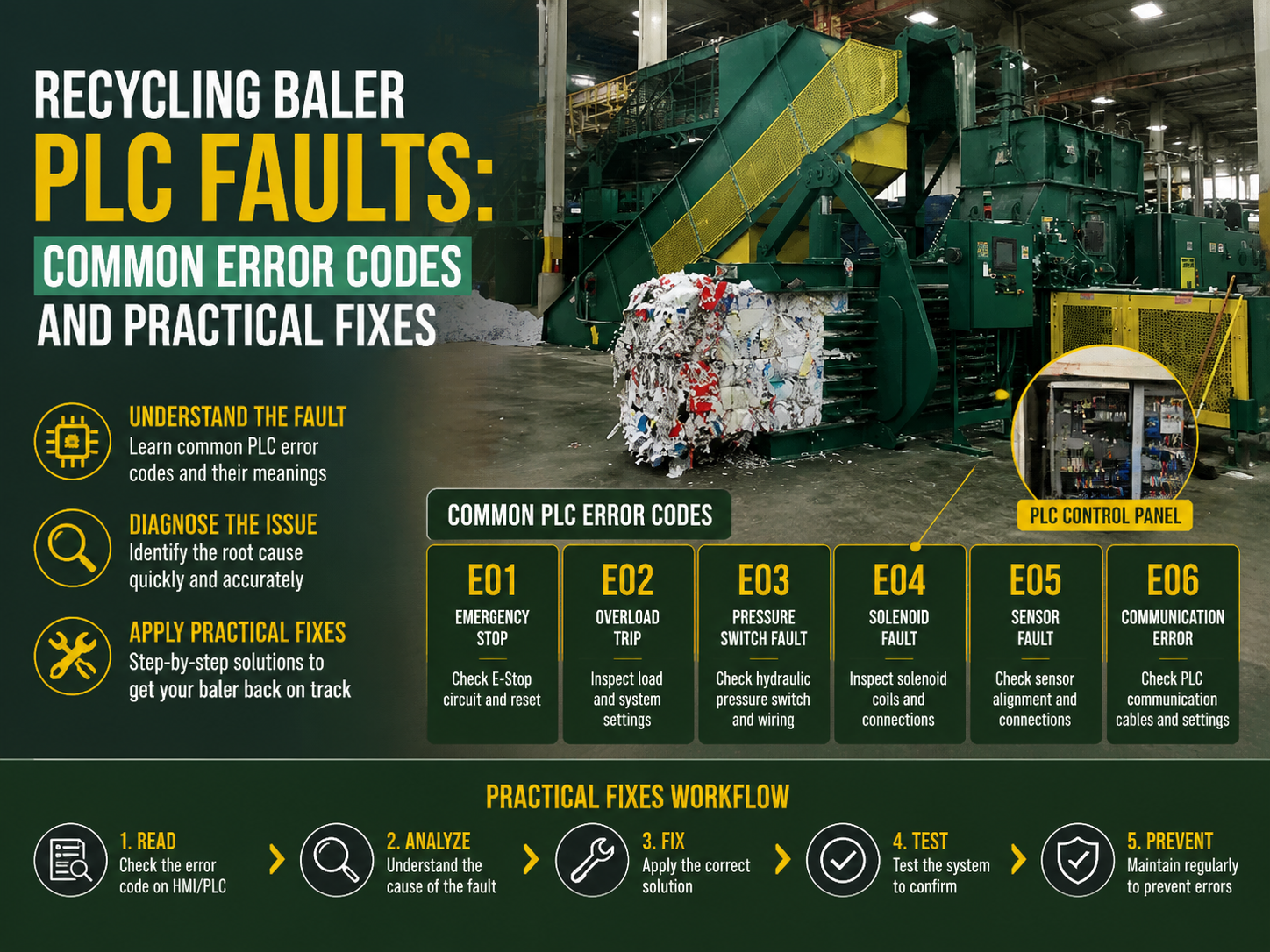
Introduction to Recycling Baler PLC Systems
In the modern landscape of waste management and metal fabrication, the recycling baler stands as a cornerstone of efficiency. At the heart of these powerful machines lies the Programmable Logic Controller (PLC), often referred to as the ‘brain’ of the operation. The PLC manages the complex sequence of hydraulic movements, pressure sensors, and safety interlocks that allow a baler to compress scrap metal, paper, or plastic into dense, transportable blocks. However, like any sophisticated electronic component operating in a rugged industrial environment, PLCs are susceptible to faults. Understanding Recycling Baler Plc Faults: Common Error Codes Practical Fixes is essential for minimizing downtime and ensuring the longevity of your HARSLE equipment.
HARSLE has long been a leader in providing robust recycling solutions, integrating high-end PLC systems from brands like Siemens, Schneider, and Mitsubishi. Despite the reliability of these components, the harsh conditions of a recycling facility—characterized by dust, vibration, and fluctuating temperatures—can lead to unexpected interruptions. This guide is designed to provide technicians and facility managers with a deep dive into the technical nuances of PLC troubleshooting, offering practical solutions to keep your baling operations running smoothly.
When a PLC encounters an issue, it typically halts the machine and displays an error code on the Human-Machine Interface (HMI). For many operators, these codes can seem cryptic. By demystifying these signals and understanding the underlying logic of the baler’s control system, maintenance teams can transition from reactive repairs to proactive optimization. In the following sections, we will explore the most frequent PLC-related challenges and the systematic approaches required to resolve them.
Key Considerations for PLC Reliability in Recycling Environments
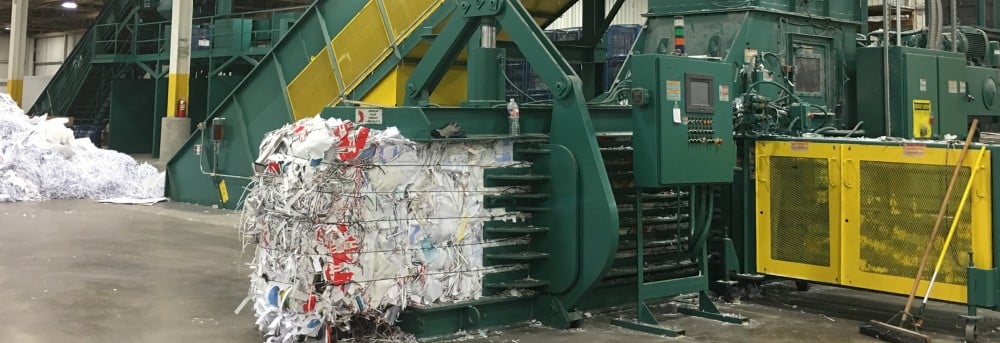
Before diving into specific error codes, it is crucial to understand the environmental and operational factors that influence PLC health. Recycling balers operate under extreme mechanical stress. The vibration generated by high-pressure hydraulic pumps can, over time, loosen terminal connections or cause micro-fractures in circuit boards. Furthermore, the presence of metallic dust in scrap yards can lead to short circuits if the electrical cabinets are not properly sealed or filtered.
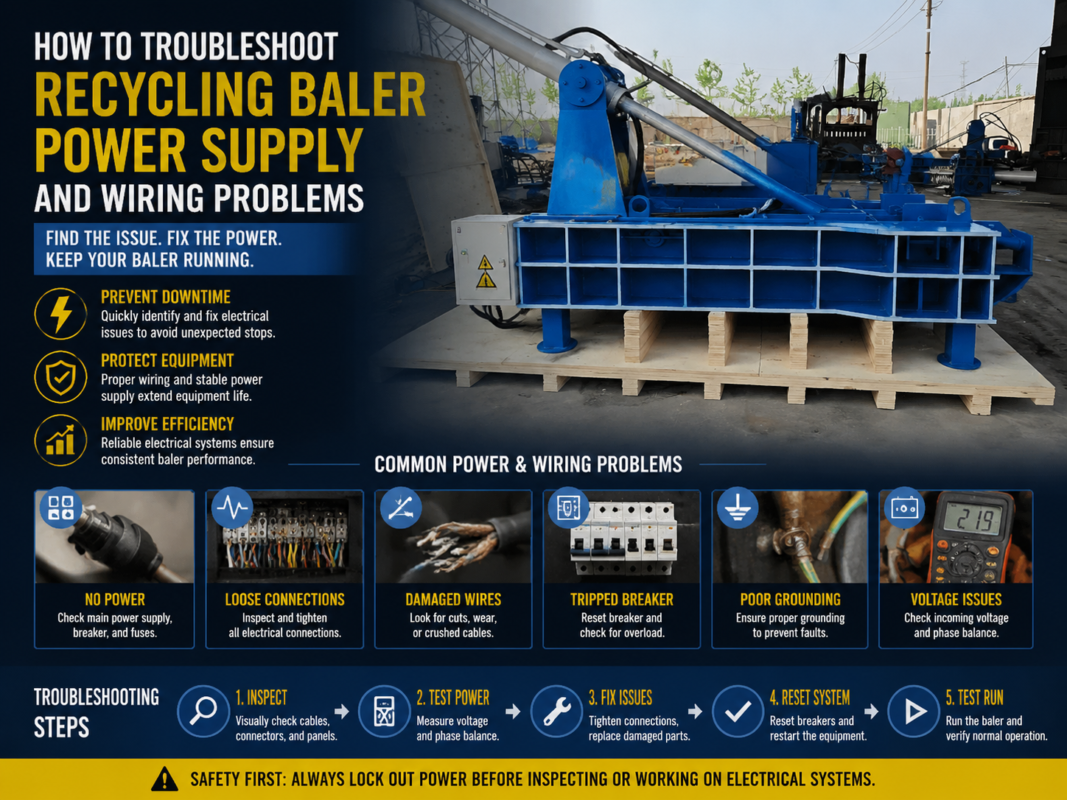
Power quality is another significant consideration. Industrial facilities often experience voltage sags or spikes when large motors start up. While most modern PLCs have built-in protections, consistent power instability can corrupt the PLC’s internal memory or damage the I/O (Input/Output) modules. Implementing surge protection and ensuring a stable 24V DC power supply is the first line of defense against ‘ghost’ errors that seem to appear and disappear without a clear cause.
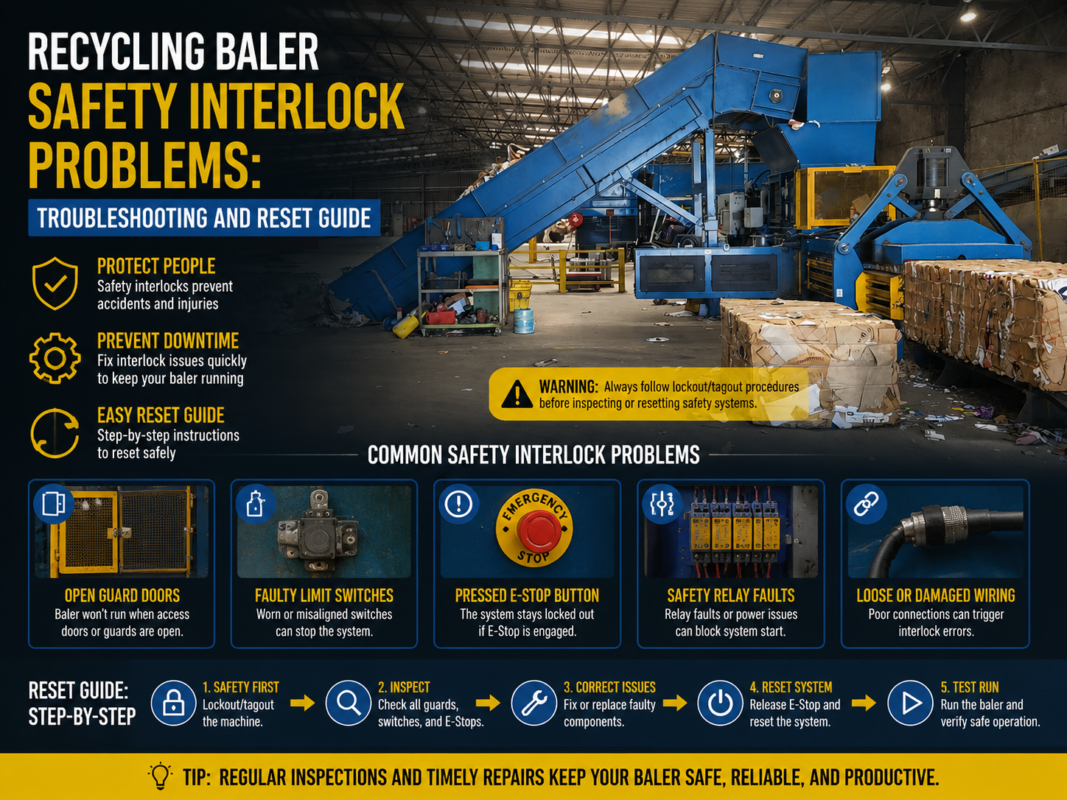
Safety protocols also play a massive role in PLC logic. A significant percentage of reported PLC faults are actually ‘safety trips’ triggered by the machine’s protective sensors. If an emergency stop button is slightly depressed, or a safety gate limit switch is misaligned by just a few millimeters, the PLC will prevent the machine from cycling. Distinguishing between a genuine electronic failure and a safety-related lockout is a fundamental skill for any maintenance professional working with HARSLE machinery.
Technical Details: Common Error Codes and Practical Fixes
1. Understanding Status Indicators (RUN, ERR, ALM)
Most PLCs feature physical LED indicators that provide immediate diagnostic feedback. If the ‘RUN’ light is off, the PLC has stopped executing its program. If the ‘ERR’ (Error) or ‘ALM’ (Alarm) light is flashing red, a system fault has occurred. The first practical fix is to check the HMI screen for a specific numerical code. If the HMI is blank, the issue likely lies in the communication cable (RS232/Ethernet) or the 24V power supply to the screen itself.
2. Error Code: E01 – Emergency Stop / Safety Circuit Open
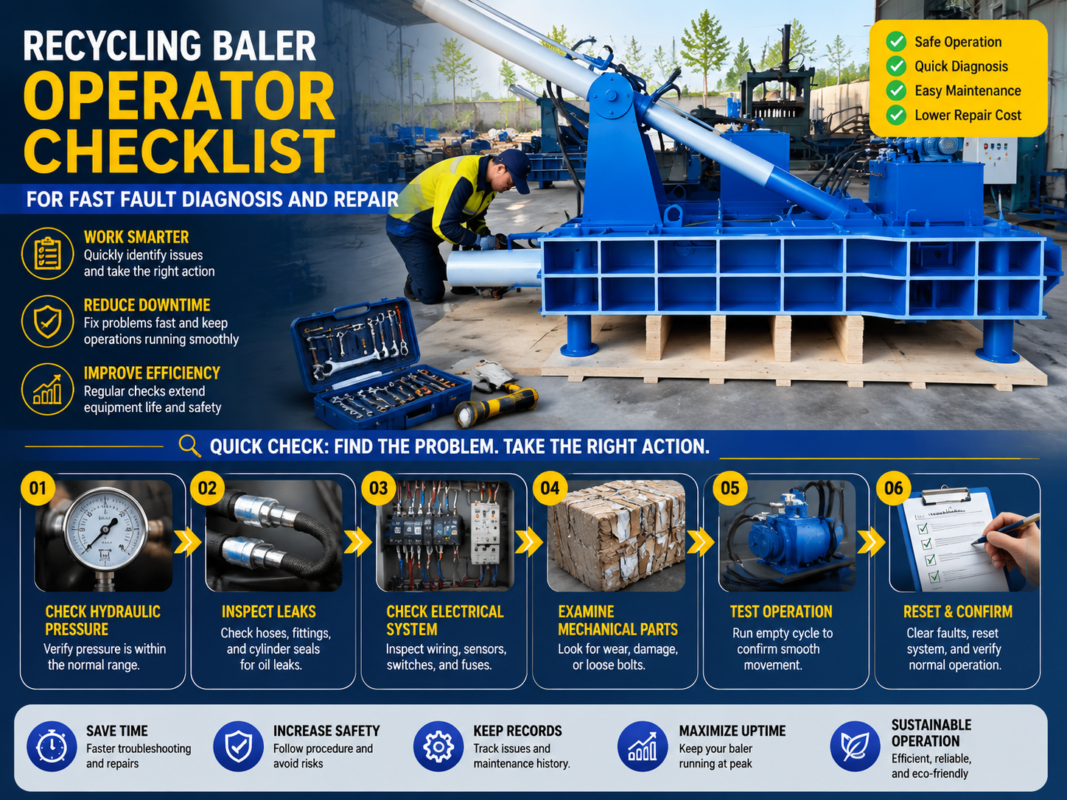
This is perhaps the most common ‘fault’ encountered. While it displays as a PLC error, it is usually an external input issue. The PLC is programmed to monitor a continuous loop of safety devices. If any device in that loop opens, the PLC triggers E01. Practical Fix: Inspect all E-stop buttons to ensure they are fully released. Check the alignment of safety gate sensors. Use a multimeter to verify that the 24V signal is reaching the PLC input terminal designated for the safety circuit.
3. Error Code: E05 – Motor Overload / Thermal Trip
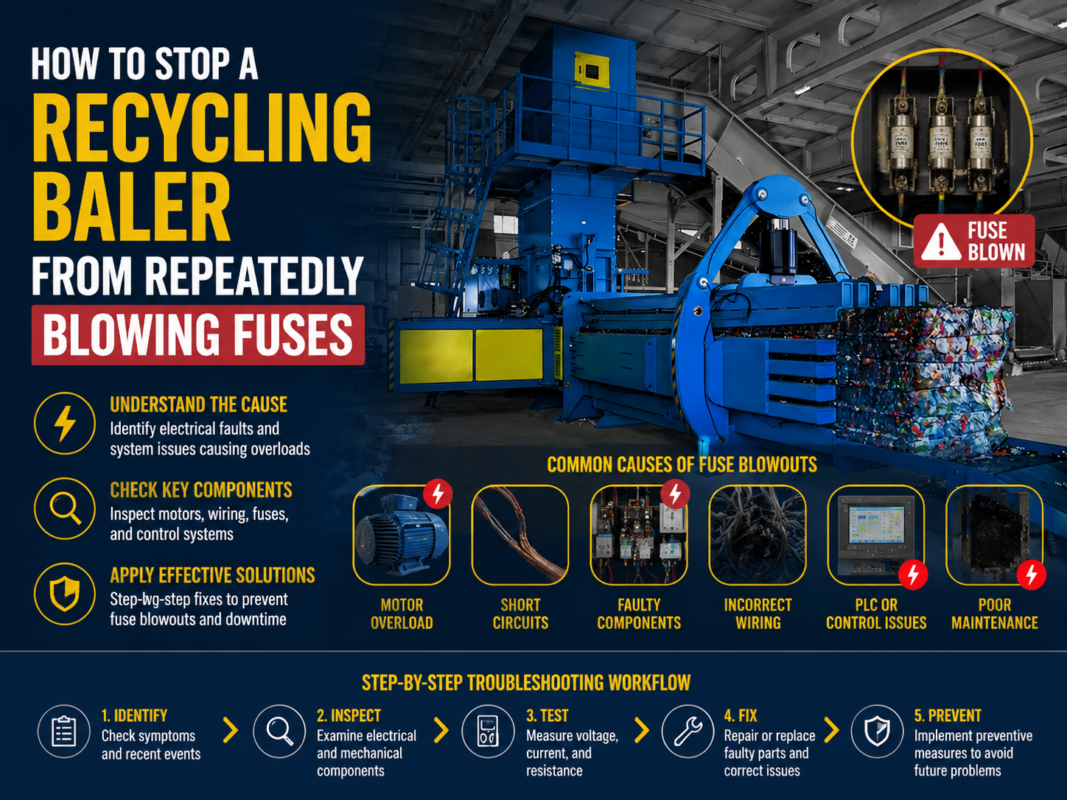
When the main hydraulic pump motor draws excessive current, the thermal overload relay trips, sending a signal to the PLC. The PLC then displays E05 to prevent motor burnout. Practical Fix: Reset the physical thermal relay in the electrical cabinet. However, do not stop there. Investigate *why* the motor overloaded. Is the hydraulic oil too viscous due to cold weather? Is there a mechanical jam in the ram? Checking the oil temperature and the mechanical clearance of the baler chamber is essential before restarting.
4. Error Code: E10 – Cycle Timeout / Sensor Mismatch
The PLC expects certain actions to happen within a specific timeframe. For example, if the ram is told to extend, the PLC waits for the ‘Forward Limit Switch’ to activate. If it doesn’t happen within 30 seconds, E10 is triggered. Practical Fix: Check the limit switches or proximity sensors. Often, scrap material can bend the sensor bracket or coat the sensor face in grime, preventing it from detecting the ram’s position. Clean the sensors and ensure they are physically aligned with the ram’s striker plate.
5. I/O Module Failures and Wiring Issues
Sometimes the fault isn’t in the logic but in the physical hardware. An output relay inside the PLC might weld shut after thousands of cycles, or an input channel might fail. Practical Fix: Observe the LED lights on the I/O modules. If the PLC ‘thinks’ it is sending a signal (output LED is on) but the solenoid valve isn’t moving, the problem is either the wiring, the solenoid coil, or a blown fuse. Swapping a suspect wire to a ‘spare’ I/O point (and updating the software logic) is a common advanced fix used by HARSLE technicians to get a machine back online quickly.
Selection Advice: Choosing a Baler with a Maintenance-Friendly PLC
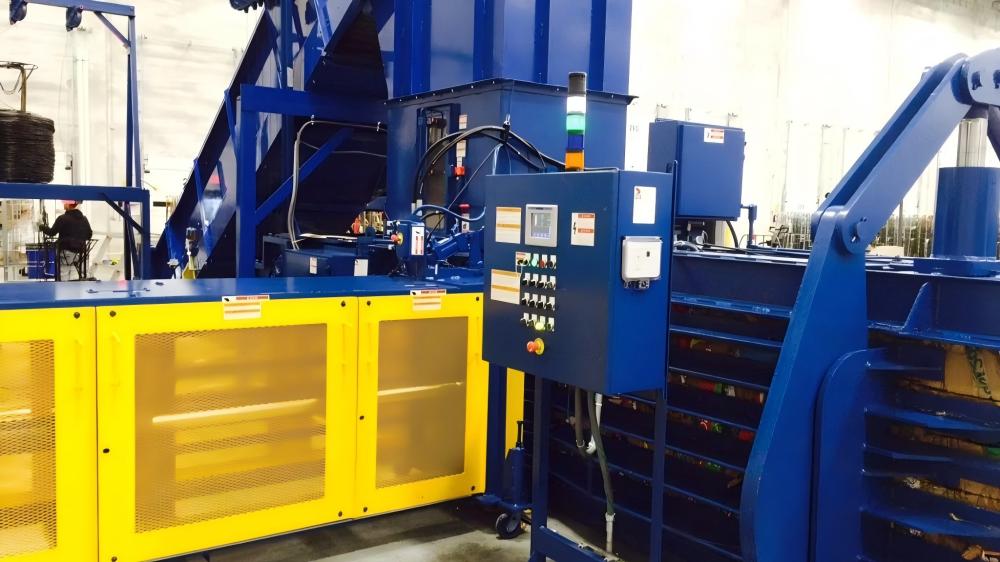
When purchasing a new recycling baler, the sophistication and accessibility of the PLC system should be a primary decision factor. A machine might have incredible hydraulic force, but if its control system is a ‘black box’ that is difficult to diagnose, your long-term operational costs will skyrocket. At HARSLE, we emphasize ‘Open Architecture’ logic, which allows qualified technicians to view the I/O status clearly through the HMI.
Look for balers that offer detailed diagnostic screens. A high-quality HMI should not just say ‘Error’; it should tell you exactly which input is missing. For example, ‘Input X05: Rear Gate Closed – NOT DETECTED’. This level of detail saves hours of manual wire tracing. Additionally, consider the availability of components. Choosing a baler that uses globally recognized PLC brands ensures that if a module does fail, you can source a replacement locally rather than waiting weeks for an overseas shipment.
Another critical feature is remote diagnostic capability. Many modern HARSLE balers can be equipped with an Ethernet gateway, allowing our engineers to log into the PLC from a remote location. This can resolve 90% of software-related issues or logic ‘hang-ups’ without the need for an on-site visit, significantly reducing downtime for facilities in remote areas.
Comprehensive Maintenance Checklist for PLC Systems
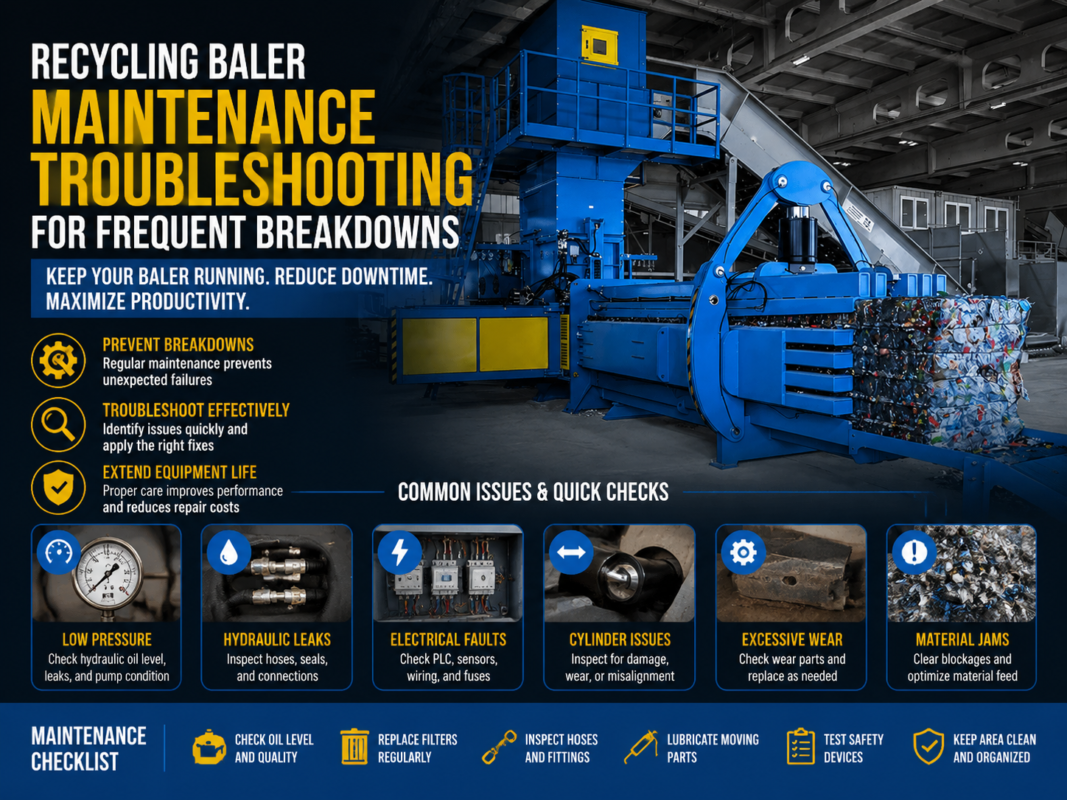
To prevent Recycling Baler Plc Faults: Common Error Codes Practical Fixes from becoming a daily occurrence, a rigorous preventive maintenance schedule is required. Below is a checklist designed for industrial environments:
- Monthly Cabinet Cleaning: Use low-pressure compressed air or a vacuum to remove dust from the PLC cooling vents. Dust buildup leads to overheating and premature component failure.
- Terminal Tightening: Every six months, with the power safely locked out, check the tightness of all screw terminals. Vibration is the enemy of a good electrical connection.
- Battery Replacement: Many PLCs use a small lithium battery to retain the program during power outages. These typically last 2-5 years. Replace them proactively to avoid losing the machine’s logic.
- HMI Calibration: Ensure the touch screen is calibrated and clean. A non-responsive screen can prevent operators from clearing minor faults.
- Backup the Program: Always keep a digital copy of the PLC program on a secure server or USB drive. If the hardware is ever destroyed by a power surge, having the backup allows for a 15-minute recovery instead of a week-long reprogramming effort.
Frequently Asked Questions (FAQ)
What should I do if my PLC loses its program?
If the PLC memory is wiped (often due to a dead internal battery and a long power outage), the machine will not function. You must reload the original program using the manufacturer’s software. This is why keeping a backup is critical. HARSLE provides program backups for all customers to ensure quick recovery.
Can I bypass a faulty sensor to keep the baler running?
While it is technically possible to ‘force’ an I/O point in the PLC software, it is extremely dangerous and not recommended. Bypassing safety sensors can lead to catastrophic machine damage or severe operator injury. Always replace the faulty sensor rather than bypassing the logic.
Why does my PLC error only happen when the weather is hot?
Electronic components are sensitive to heat. If the electrical cabinet lacks proper ventilation or if the cooling fans have failed, the PLC may experience ‘thermal throttling’ or intermittent logic errors. Installing a cabinet cooler or moving the cabinet to a shaded area can resolve this.
How do I know if the problem is the PLC or the hydraulic system?
Check the PLC outputs. If the PLC output LED for ‘Ram Forward’ is lit, but the ram isn’t moving, the problem is downstream—likely a blown fuse, a broken wire, or a stuck hydraulic solenoid valve. If the LED is NOT lit, the PLC is waiting for a condition (like a sensor input) to be met.
Is it worth upgrading an old baler’s PLC?
Yes. Retrofitting an older baler with a modern PLC and HMI can breathe new life into the machine. Modern systems offer better diagnostics, smoother hydraulic ramping (which reduces wear), and better energy efficiency. HARSLE offers retrofit kits for various industrial baler models.
Conclusion: Mastering Your Baler’s Control System
Navigating Recycling Baler Plc Faults: Common Error Codes Practical Fixes is a vital skill for any modern recycling facility. By understanding that the PLC is a logical device that responds to physical inputs, maintenance teams can move away from guesswork and toward precision diagnostics. Whether it is a simple sensor misalignment or a more complex communication error, the systematic approach of checking power, inputs, logic, and outputs will always lead to a solution.
HARSLE remains committed to manufacturing recycling balers that are not only powerful but also intelligent and user-friendly. By integrating high-quality components and providing comprehensive support documentation, we ensure that our clients can maintain peak productivity. Remember, the key to a reliable baler is not just in the strength of its steel, but in the health of its electronic ‘brain’. Regular maintenance, environmental protection, and a solid understanding of error codes will ensure your HARSLE baler serves your facility for decades to come.