How to Troubleshoot Container Shear Control Panel Faults and Error Codes: A Comprehensive HARSLE Guide

Introduction to Container Shear Control Systems
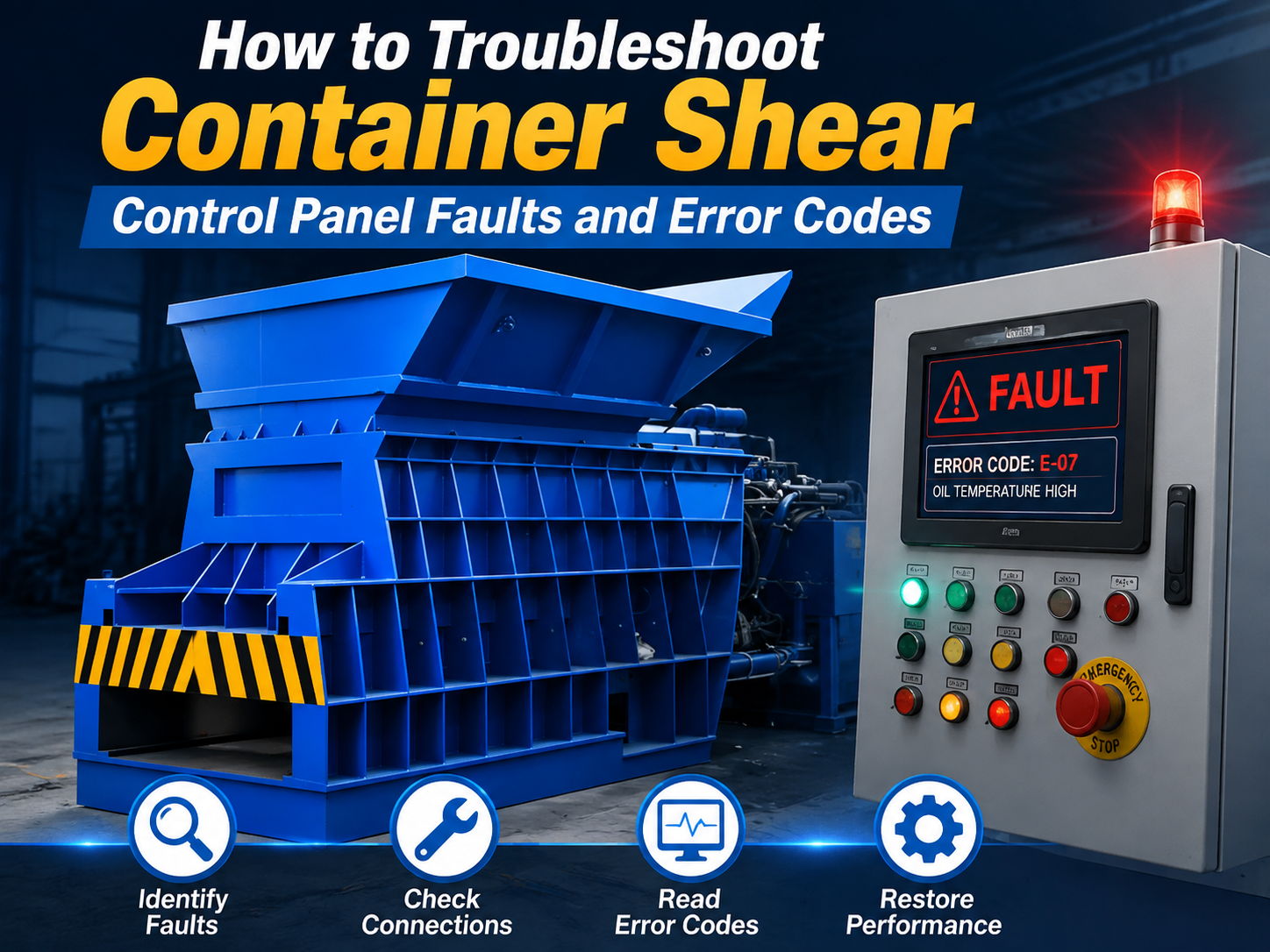
In the high-stakes environment of metal recycling and heavy-duty fabrication, the container shear stands as a cornerstone of operational efficiency. As a sophisticated piece of industrial machinery, the HARSLE container shear relies on a complex control panel to manage hydraulic pressure, blade synchronization, and safety interlocks. When this system encounters a glitch, the ability to effectively troubleshoot container shear control panel faults and error codes becomes the difference between a minor delay and a costly production shutdown.
Understanding the architecture of your control system is the first step toward mastery. Modern container shears utilize Programmable Logic Controllers (PLCs) that act as the brain of the operation. These systems are designed to monitor sensors, limit switches, and pressure transducers in real-time. When a parameter falls outside of the programmed safety or operational threshold, the system triggers an error code to protect the machine from mechanical damage.
This guide is designed for maintenance technicians, plant managers, and operators who need to diagnose and resolve common electrical and software-related issues. By following a systematic approach, you can minimize downtime and extend the lifespan of your HARSLE equipment. We will explore the diagnostic pathways, common error triggers, and the preventative measures necessary to keep your shear operating at peak performance.
Key Considerations for System Diagnostics
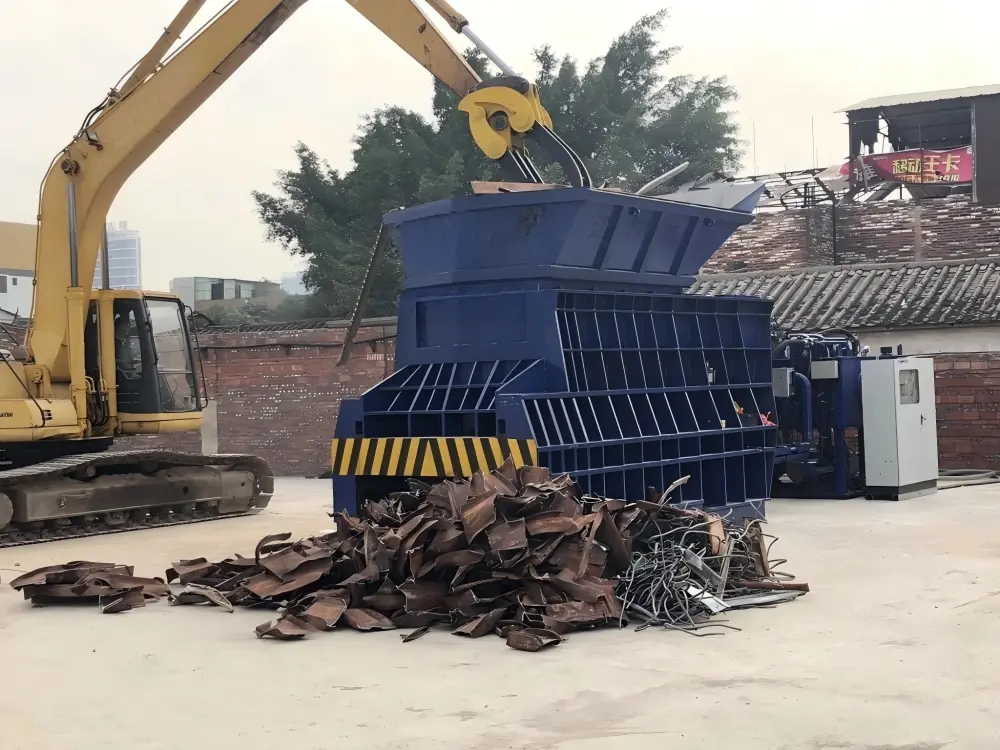
Before diving into specific error codes, it is essential to establish a safe and logical diagnostic environment. Troubleshooting industrial machinery is not merely about identifying a fault; it is about ensuring that the repair process does not introduce new risks to the operator or the machine. Always begin by consulting the specific HARSLE operation manual provided with your unit, as software versions can vary between models.
Safety must be the primary consideration. Before opening the control panel cabinet, ensure that the main power supply is locked out and tagged out (LOTO). Residual energy in capacitors or hydraulic accumulators can pose significant risks. Always wear appropriate personal protective equipment (PPE), including insulated gloves and safety glasses, when inspecting electrical components or testing circuits with a multimeter.
Environmental factors often play a larger role in control panel faults than hardware failure. Dust, metal shavings, and humidity are the primary enemies of industrial electronics. Ensure that the control cabinet is properly sealed and that the cooling fans are functioning correctly. Overheating is a common cause of intermittent error codes that seem to disappear after the machine has been powered down for a period. Furthermore, vibration from the shear’s heavy-duty cutting action can loosen terminal connections over time, leading to “ghost” signals that trigger erratic error codes.
Documentation is your best tool during the troubleshooting process. Keep a log of every error code, the time it occurred, the material being processed at the time, and the ambient temperature. This data allows you to identify patterns. For instance, if a specific error code appears only during the return stroke of the blade, you can narrow your search to the proximity sensors or the return-stroke hydraulic solenoid.
Technical Details: Decoding Common Faults
When you need to troubleshoot container shear control panel faults and error codes, you are essentially interpreting the language of the PLC. Most HARSLE systems use alphanumeric codes that correspond to specific sensor inputs or logic states. Understanding the hierarchy of these codes is vital for rapid resolution.
Common fault categories include:
- Communication Errors: These occur when the PLC loses contact with the HMI (Human Machine Interface) or remote I/O modules. Check for loose communication cables, electromagnetic interference (EMI) from nearby high-voltage lines, or faulty network switches.
- Sensor Timeout Faults: These are the most frequent issues. If a sensor (such as a blade position limit switch) does not signal within the expected timeframe, the system halts. This is often caused by debris blocking the sensor or a misaligned actuator.
- Hydraulic Pressure Alarms: If the pressure transducer reports values outside the safe operating range, the system will trigger an alarm. This could indicate a failing pump, a clogged filter, or a faulty pressure relief valve.
- Emergency Stop (E-Stop) Loops: A broken circuit in the E-Stop chain will prevent the machine from starting. Use a multimeter to check for continuity across all safety switches and buttons.
To effectively troubleshoot these, start by checking the I/O status screen on your HMI. This screen displays the real-time state of every input and output. If a sensor is supposed to be ‘ON’ but the screen shows ‘OFF’, you have identified the physical location of the fault. Inspect the wiring, the sensor itself, and the target that triggers the sensor for physical damage or misalignment. In many cases, a simple cleaning of the sensor face with a non-abrasive cloth can resolve the issue immediately.
Advanced Troubleshooting: Beyond the Basics
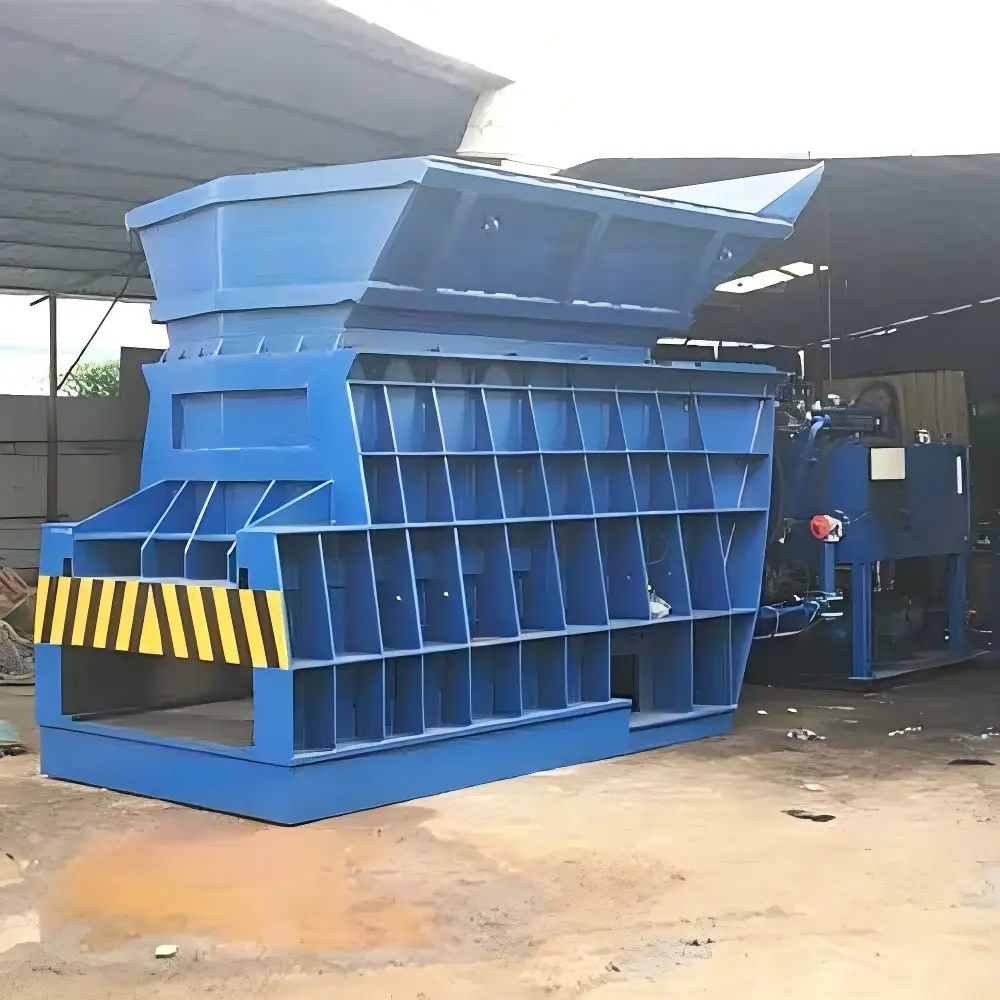
When standard checks fail, technicians must delve into the PLC ladder logic or the HMI diagnostic logs. Often, a “Sequence Error” indicates that the machine is attempting to perform an action out of order. For example, if the shear attempts to cycle before the lid is fully closed, the PLC will trigger a safety interlock error. Reviewing the sequence of operations in your manual can help determine if a mechanical delay—such as a slow-closing hydraulic cylinder—is causing the software to time out.
Another advanced area involves checking the voltage stability of the control power supply. Fluctuations in the 24V DC control circuit can cause the PLC to reset or report false positives. Use an oscilloscope or a high-quality digital multimeter to check for “ripple” in the DC power supply. If the voltage is unstable, the power supply unit (PSU) may be failing and require replacement.
Selection Advice: Choosing the Right Control Components
When upgrading or replacing control components for your container shear, quality and compatibility are paramount. Not all electrical components are built to withstand the vibration and harsh environment of a metal fabrication facility. HARSLE recommends using industrial-grade components that are rated for high-vibration applications.
Consider the following when selecting replacement parts:
- IP Rating: Ensure that all sensors and enclosures have an appropriate IP (Ingress Protection) rating, typically IP65 or higher, to prevent dust and moisture ingress.
- PLC Compatibility: Never attempt to substitute a PLC module with a non-compatible brand or model. The logic timing and voltage requirements are specific to the HARSLE control architecture.
- Shielded Cabling: Use high-quality shielded cables for all sensor inputs to prevent EMI from the main motor drives, which can cause erratic error codes.
- Redundancy: For critical safety sensors, consider systems that offer dual-channel monitoring. This ensures that if one sensor fails, the machine enters a safe state rather than continuing to operate with a faulty input.
Consulting with HARSLE technical support before purchasing third-party components is highly advised. We can provide the exact specifications required to ensure that your control panel remains compliant with safety standards and operational efficiency requirements.
FAQ: Frequently Asked Questions
Q: Why does my container shear show a ‘Blade Position Error’ frequently?
A: This is usually caused by a misaligned proximity sensor or metal debris buildup on the sensor face. Clean the sensor and ensure the target bracket is tight and properly aligned with the blade carriage.
Q: Can I bypass an error code to finish a job?
A: Absolutely not. Error codes are safety features. Bypassing them can lead to catastrophic machine failure, blade damage, or severe operator injury. Always resolve the root cause of the error.
Q: How often should I inspect the control panel wiring?
A: We recommend a quarterly inspection. Check for loose terminals caused by machine vibration, signs of heat discoloration, and ensure that all cable glands are tight to prevent dust entry.
Q: What should I do if the HMI screen is blank?
A: First, check the power supply to the HMI unit. If it has power, check the fuse in the control cabinet. If the fuse is good, the HMI unit itself may have failed and requires replacement.
Q: Does HARSLE provide remote diagnostic support?
A: Yes, many of our modern container shear models are equipped with remote access modules. Contact our support team with your machine serial number to see if your unit is eligible for remote troubleshooting.
Conclusion
The ability to troubleshoot container shear control panel faults and error codes is an essential skill for maintaining high productivity in metal fabrication. By understanding the relationship between the PLC, sensors, and hydraulic systems, you can transform from a reactive operator into a proactive maintenance professional. Remember that most faults are simple issues—a loose wire, a dirty sensor, or a misaligned switch—that can be resolved quickly with the right approach.
Always prioritize safety, maintain detailed records of your machine’s performance, and utilize genuine HARSLE replacement parts to ensure longevity. When in doubt, our technical support team is always available to guide you through complex diagnostics. By investing time in proper maintenance and training, you ensure that your HARSLE container shear remains a reliable and profitable asset for years to come. Regular audits of your control system, combined with a disciplined approach to error logging, will significantly reduce the frequency of unplanned downtime, allowing your facility to operate at maximum capacity.