Comprehensive Guide: How to Troubleshoot An Industrial Shredder That Keeps Jamming

Introduction to Industrial Shredder Performance
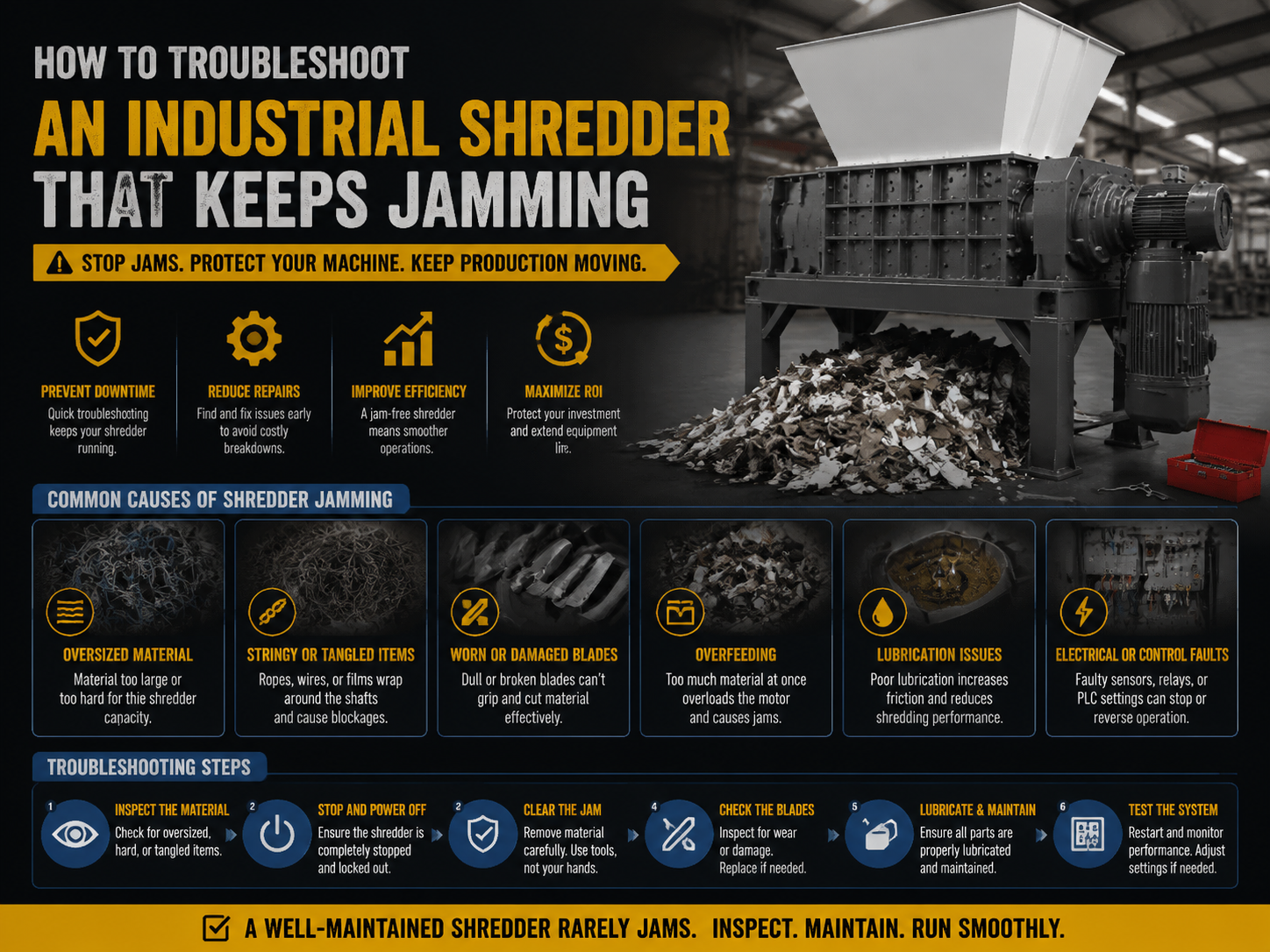
In the world of high-volume waste management and metal recycling, the industrial shredder is the backbone of the operation. Whether you are processing scrap metal, plastics, or electronic waste, a consistent throughput is essential for profitability. However, one of the most frustrating and costly issues operators face is a machine that frequently stalls. Learning how to troubleshoot an industrial shredder that keeps jamming is not just about fixing a temporary problem; it is about understanding the mechanical and electrical limits of your equipment to ensure long-term reliability.
HARSLE has long been at the forefront of providing robust metal fabrication and recycling solutions. We understand that downtime equals lost revenue. A jamming shredder can be caused by a variety of factors, ranging from simple overfeeding to complex hydraulic failures or dull cutting blades. This guide is designed to provide a deep dive into the technical aspects of shredder maintenance and troubleshooting, helping you identify the root cause of interruptions and implement permanent solutions.
When you encounter a jam, the immediate reaction is often to simply reverse the motor and try again. While this might clear the immediate blockage, it does not address why the jam occurred in the first place. By following a systematic troubleshooting approach, you can extend the lifespan of your HARSLE shredder, reduce wear on the drive system, and maintain a safer working environment for your staff. Let’s explore the critical considerations and technical steps required to keep your machinery running at peak performance.
Key Considerations When Your Shredder Jams
Before diving into the mechanical components, it is vital to consider the operational environment and the materials being processed. Often, the reason to troubleshoot an industrial shredder that keeps jamming lies in the mismatch between the material feed and the machine’s rated capacity. Industrial shredders are engineered with specific torque and horsepower ratings; exceeding these limits will inevitably lead to a stall.
The first consideration is material density and hardness. If your shredder is designed for light plastics but you are feeding it high-gauge steel scraps, the blades will struggle to bite into the material, causing the motor to draw excessive current and trigger a safety shutdown. Similarly, the size of the input material matters. Large, bulky items can bridge across the hopper, preventing a smooth flow into the cutting chamber and causing uneven pressure on the shafts.
Another key factor is the moisture content and cleanliness of the material. For instance, in metal recycling, bundles of wire that are heavily contaminated with grease or rubber can create a ‘slippage’ effect or, conversely, a ‘gumming’ effect that binds the cutters together. Understanding the physical properties of your feedstock is the first step in preventing frequent jams. If the material is consistently too tough for the current configuration, you may need to adjust the blade spacing or upgrade to a higher-torque model.
Finally, consider the feeding method. Manual feeding often leads to ‘slugging’—dumping too much material at once. Automated conveyor systems with load-sensing capabilities are much more efficient at maintaining a steady flow. If your shredder keeps jamming, evaluate whether the rate of input is exceeding the machine’s discharge capacity. If the shredded material cannot exit the machine fast enough, it will back up into the cutting chamber, leading to a catastrophic jam.
Technical Details: Step-by-Step Troubleshooting
1. Safety First: Lockout/Tagout (LOTO)
Before any physical inspection begins, safety is paramount. Industrial shredders possess immense kinetic energy and sharp components. Ensure the machine is completely powered down and follow strict Lockout/Tagout procedures. Never attempt to clear a jam with your hands or metal bars while the power is connected, as residual energy in the flywheels or hydraulic accumulators can cause the shafts to move unexpectedly.
2. Visual Inspection and Manual Clearing
Once the machine is safe, inspect the cutting chamber. Look for ‘unshreddables’—items like heavy engine blocks, thick hardened steel plates, or large stones that may have accidentally entered the stream. Use specialized tools to remove these items. Check for material wrapped around the shafts, particularly long wires or plastic films, which can create friction and heat, eventually seizing the bearings.
3. Analyzing the Drive System and Torque
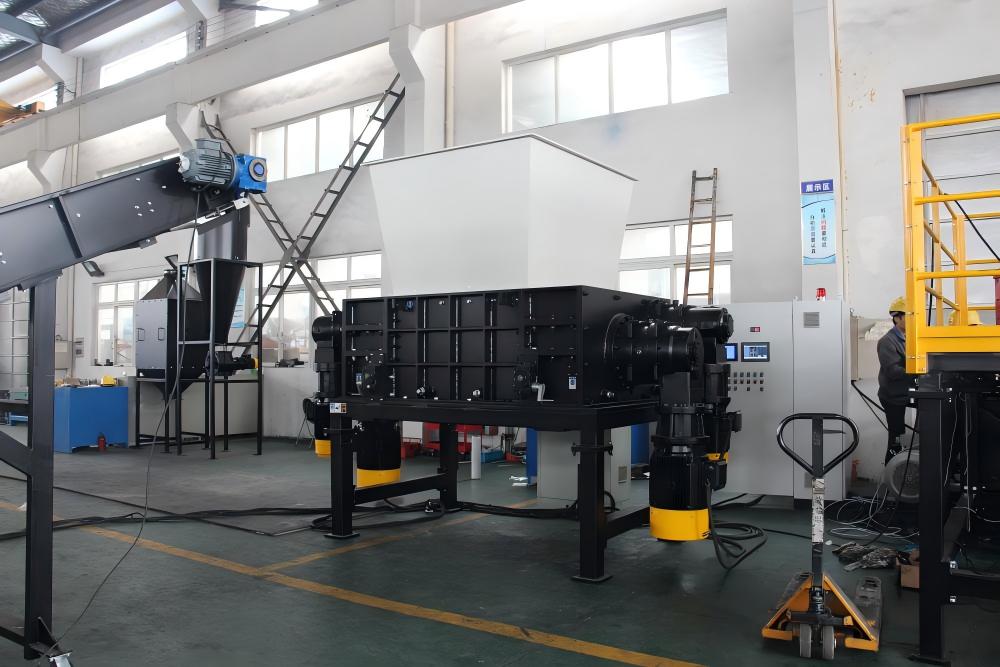
If the chamber is clear but the machine still stalls, the issue may be in the drive system. Check the tension of the drive belts or the condition of the coupling. In hydraulic shredders, check the fluid levels and the pressure relief valve settings. If the pressure is set too low, the motor won’t generate enough force to cut through standard loads. Conversely, if the electrical motor is overheating, it may be a sign of a failing capacitor or a breakdown in the motor windings.
4. Blade Condition and Clearance
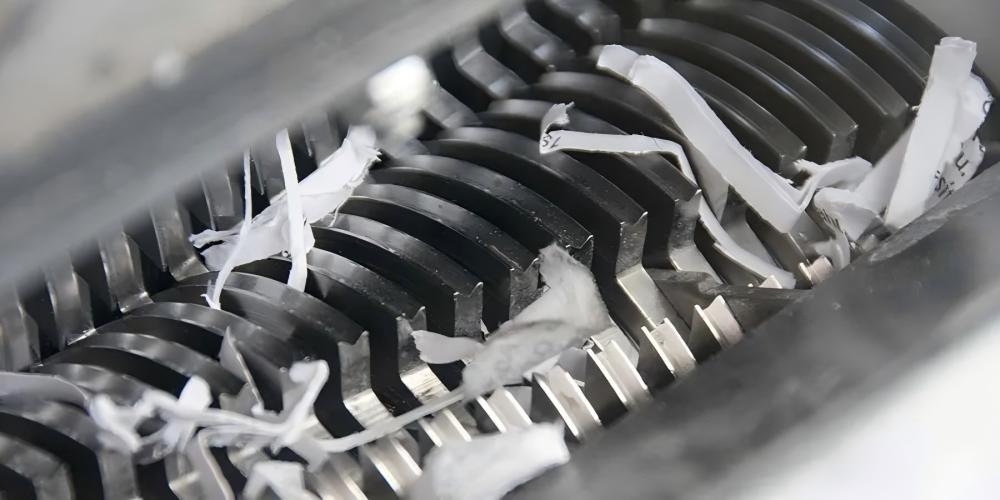
Dull blades are the primary cause of frequent jamming. When blades lose their edge, they ‘tear’ rather than ‘cut,’ which requires significantly more energy. Inspect the cutting edges for rounding or chipping. Additionally, check the ‘gap’ or clearance between the rotating blades and the counter-knives (bed blades). If this gap is too wide, material will simply wedge between the blades rather than being sheared, leading to a mechanical lock.
5. PLC and Auto-Reverse Logic
Modern HARSLE shredders are equipped with PLC (Programmable Logic Controller) systems that include an auto-reverse function. When the PLC detects a current spike (indicating a jam), it automatically reverses the shafts to clear the blockage. If your shredder keeps jamming and the auto-reverse isn’t triggering, or if it triggers too frequently, the sensitivity settings in the PLC may need adjustment. Ensure the sensors are clean and the software parameters match the material density you are currently processing.
Selection Advice: Choosing the Right Shredder to Avoid Jams
If you find yourself constantly needing to troubleshoot an industrial shredder that keeps jamming, it might be an indication that your current machine is under-specced for your application. When selecting a new shredder from HARSLE, consider the following technical specifications to minimize downtime:
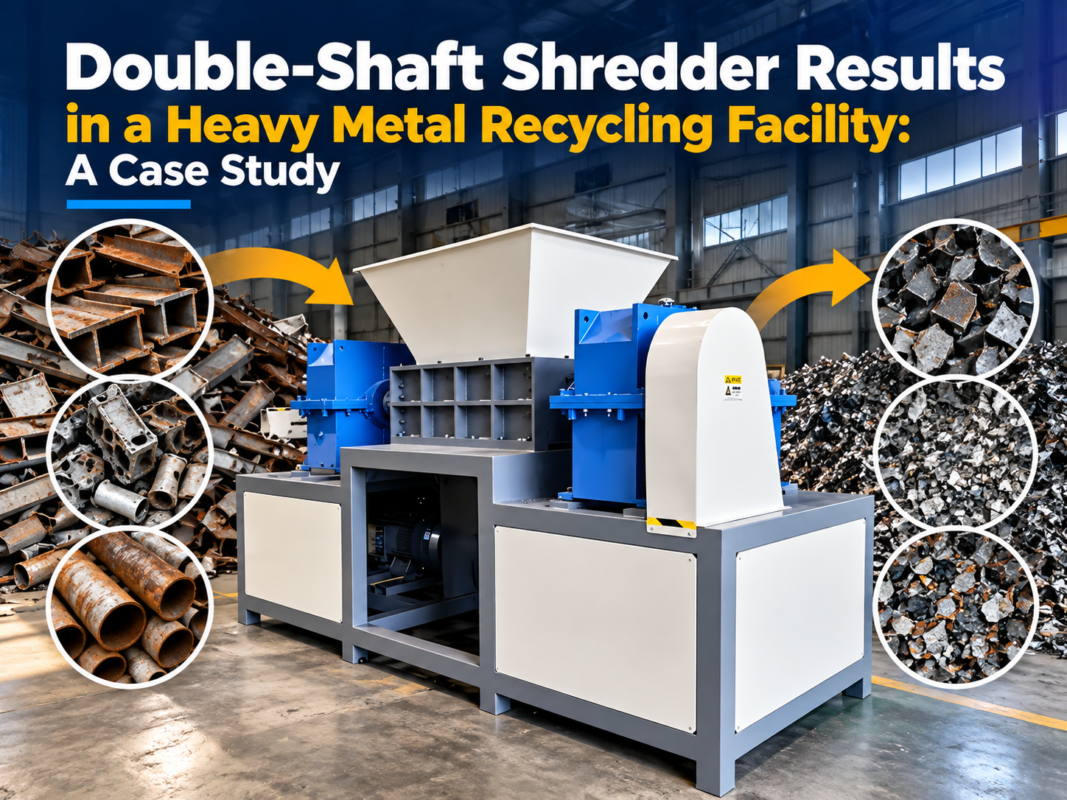
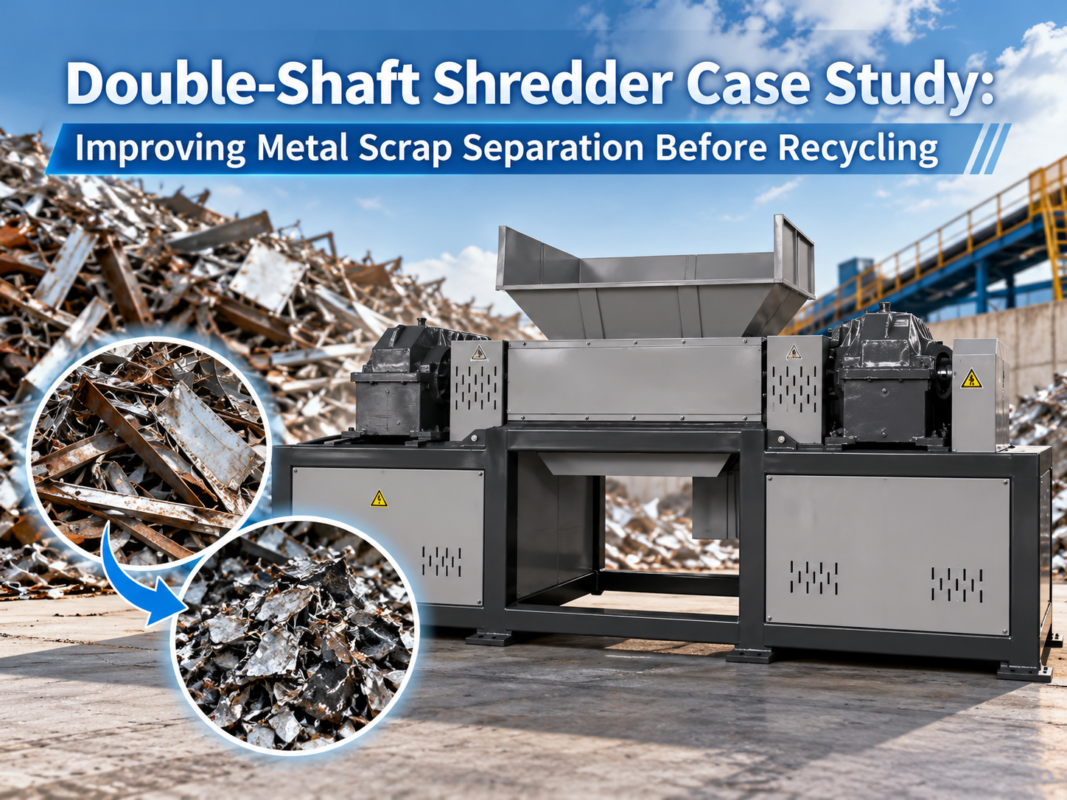
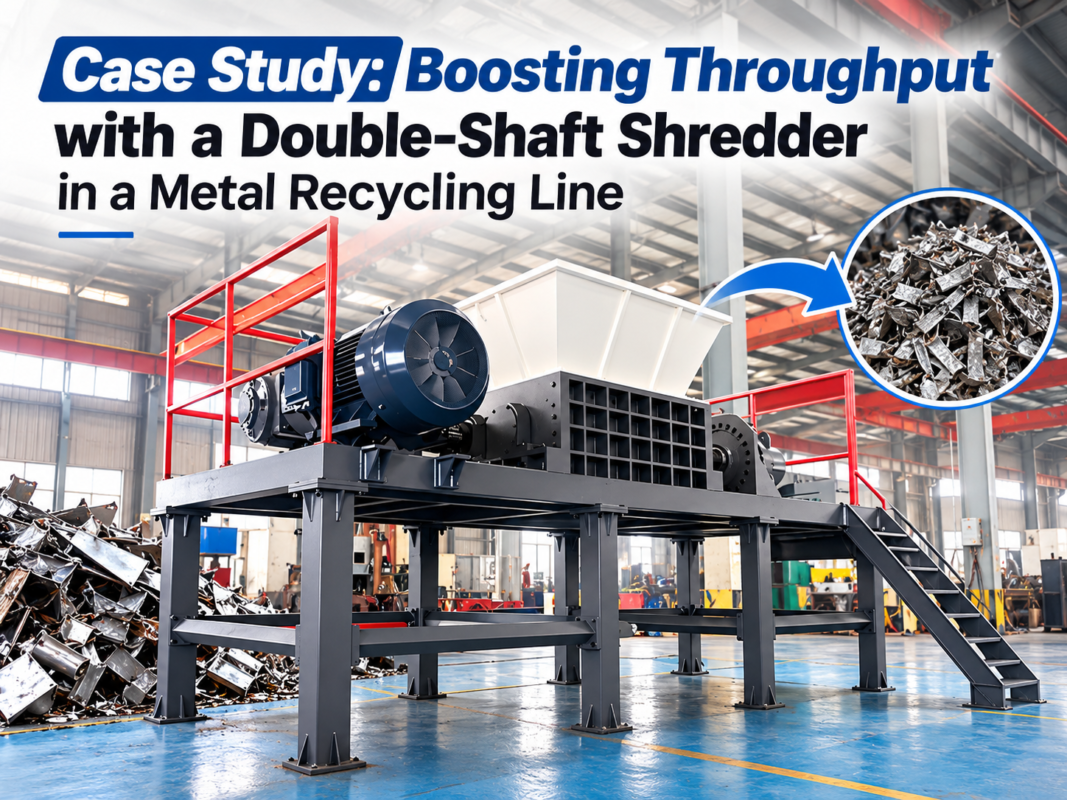
- Shaft Configuration: Single-shaft shredders are excellent for uniform sizing but can struggle with bulky, hollow items. Double-shaft shredders provide high torque and are better for heavy metal scraps. Four-shaft shredders offer the best of both worlds, with integrated screening for precise output size and aggressive feeding.
- Motor Power and Torque: Do not just look at horsepower. For shredding, torque is king. High-torque, low-speed shredders are much less likely to jam than high-speed grinders when dealing with tough materials like tires or thick plastics.
- Blade Material: Ensure the blades are made from high-quality alloy steel (such as D2 or SKD-11) and are heat-treated for hardness. HARSLE offers various blade profiles optimized for different materials.
- Drive Type: Hydraulic drives offer superior shock absorption and variable speed control, which is ideal for unpredictable waste streams. Electric drives are more energy-efficient for consistent, pre-sorted materials.
When purchasing, always request a material test. Send a sample of your toughest waste to the manufacturer to see how the machine handles it. A reputable supplier like HARSLE will provide a performance report, ensuring the machine you buy is the machine you need. Additionally, look for features like ‘easy-access’ chambers which allow for faster blade changes and easier cleaning, reducing the time spent on troubleshooting.
Maintenance Checklist to Prevent Jams
Preventive maintenance is the most effective way to stop jams before they happen. Implement a daily, weekly, and monthly schedule to keep your industrial shredder in top condition. Below is a recommended checklist for operators:
| Frequency | Task | Benefit |
|---|---|---|
| Daily | Check for loose bolts and fasteners | Prevents structural vibration and blade misalignment. |
| Daily | Clear debris from the cooling fans/radiators | Prevents motor and hydraulic overheating. |
| Weekly | Inspect blade sharpness and gaps | Ensures efficient shearing and reduces motor load. |
| Weekly | Lubricate bearings and drive chains | Reduces friction and prevents premature component failure. |
| Monthly | Check hydraulic oil quality and filters | Maintains consistent torque and system pressure. |
| Monthly | Calibrate PLC load sensors | Ensures the auto-reverse function works accurately. |
By adhering to this schedule, you can identify wear patterns. For example, if you notice the blades on the left side of the shaft are wearing faster than the right, you may need to adjust your feeding conveyor to distribute material more evenly. Small adjustments like these significantly reduce the frequency of jams and extend the interval between major overhauls.
Frequently Asked Questions (FAQ)
Why does my shredder jam even with soft materials?
This is often due to ‘wrapping.’ Soft, fibrous, or thin materials like plastic film or textiles can wrap around the shaft rather than being cut. This creates a thick layer of material that increases the shaft diameter and creates immense friction against the side walls, eventually stalling the motor. Ensure your shredder has ‘cleaner fingers’ or ‘strippers’ installed and that they are in good condition.
How often should I sharpen the shredder blades?
The frequency depends entirely on the material. Shredding clean plastic might allow for months of use, while shredding contaminated scrap metal might require blade touch-ups every few weeks. A good rule of thumb is to monitor the motor’s amperage; if the average current draw increases by 15-20% for the same material load, it’s time to sharpen the blades.
Can I increase the torque of my existing shredder?
While you cannot easily change the motor’s inherent torque, you can sometimes change the gear ratio or adjust the hydraulic pressure settings. However, this should only be done in consultation with HARSLE technicians, as increasing torque beyond the design limits can lead to broken shafts or destroyed gearboxes.
What is the difference between a mechanical jam and an electrical jam?
A mechanical jam occurs when an object physically stops the blades from moving (e.g., a piece of rebar). An electrical jam is when the motor’s thermal overload or current sensor trips because the machine is working too hard, even if the shafts are still technically able to turn. Troubleshooting an industrial shredder that keeps jamming requires identifying which of these two is occurring.
Conclusion: Optimizing Your Shredding Operation
Successfully learning how to troubleshoot an industrial shredder that keeps jamming is a vital skill for any facility manager or machine operator. It requires a blend of mechanical intuition, regular maintenance, and an understanding of the machine’s technical limits. By focusing on blade sharpness, proper feeding techniques, and the correct machine selection, you can transform a problematic production line into a high-efficiency operation.
HARSLE is committed to providing not only the highest quality industrial shredders but also the technical support necessary to keep them running. Our machines are engineered with durability and ease of maintenance in mind, featuring advanced PLC controls and high-strength alloy components. Remember, a jam is often a symptom of an underlying issue—address the cause, and the symptoms will disappear.
If you are experiencing persistent issues with your current equipment or are looking to upgrade to a more reliable solution, contact the experts at HARSLE today. We can help you analyze your material flow and recommend a shredding system that delivers consistent, jam-free performance for years to come.