
How to Troubleshoot Control Panel Errors in a Four-Shaft Shredder: A Comprehensive HARSLE Guide


Introduction to Four-Shaft Shredder Control Systems
In the demanding world of metal fabrication and industrial waste management, the four-shaft shredder stands as a pinnacle of efficiency and power. These machines are engineered to handle high-volume, high-density materials, relying on sophisticated electronic control panels to synchronize the rotation of four independent shafts. When these systems encounter errors, the entire production line can grind to a halt, leading to costly downtime. Understanding how to troubleshoot control panel errors in a four-shaft shredder is not just a maintenance task; it is a critical operational skill for any facility manager.
The control panel acts as the brain of the shredder, monitoring motor loads, shaft speeds, and safety interlocks. HARSLE equipment is built with robust PLC (Programmable Logic Controller) systems designed to withstand harsh industrial environments. However, factors such as vibration, dust accumulation, and electrical fluctuations can trigger false positives or genuine system faults. This guide provides a systematic approach to identifying, diagnosing, and resolving these issues to ensure your equipment remains operational.
Effective troubleshooting requires a blend of technical knowledge and safety awareness. Before diving into the wiring or software diagnostics, operators must understand the hierarchy of the control system. From the HMI (Human Machine Interface) display to the individual sensors located on the shredding chamber, every component plays a role in the machine’s health. By following this guide, you will learn how to interpret error codes and perform basic repairs safely.
At HARSLE, we prioritize reliability and longevity. We recognize that when you need to troubleshoot control panel errors in a four-shaft shredder, time is of the essence. This article serves as your primary resource for navigating the complexities of industrial shredder electronics, helping you maintain peak performance and extend the lifespan of your heavy-duty machinery.
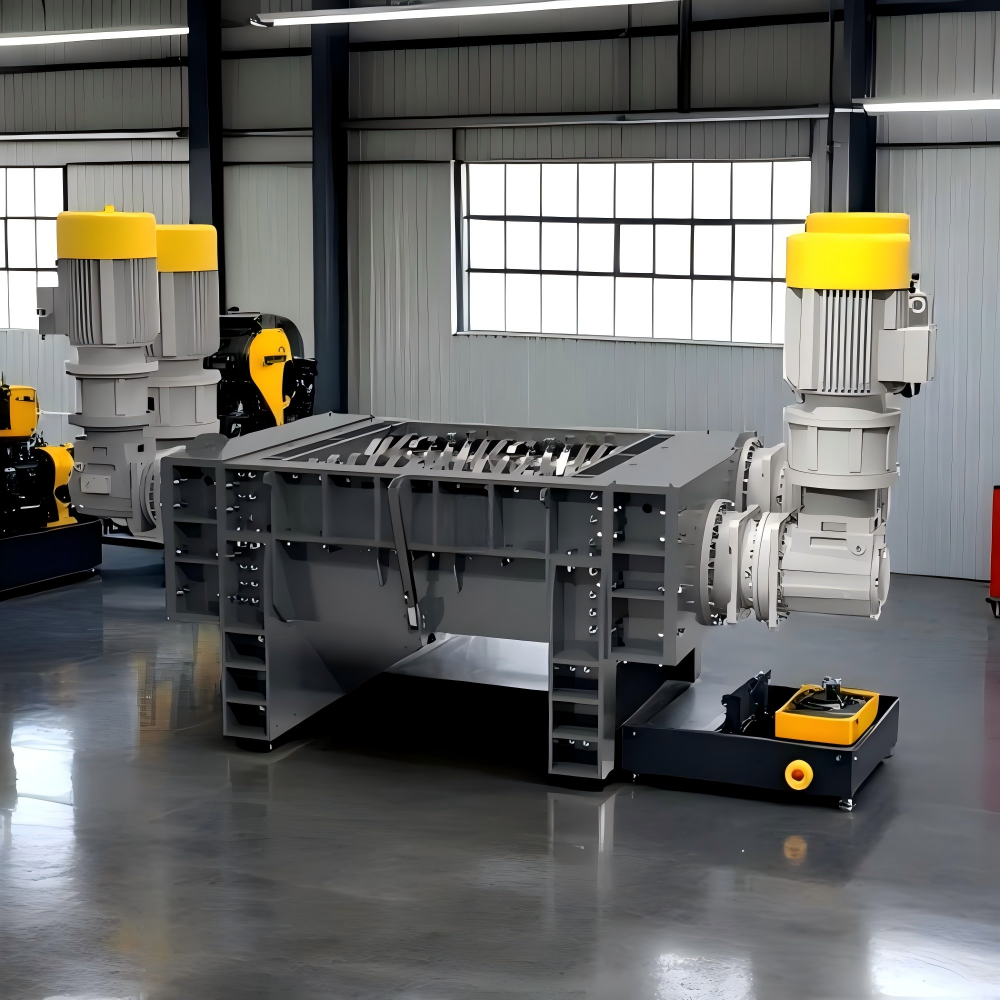
Key Considerations for Industrial Shredder Maintenance
Before attempting to troubleshoot control panel errors in a four-shaft shredder, it is imperative to establish a safe working environment. Industrial shredders involve high-torque mechanical components and high-voltage electrical systems. Always ensure the machine is locked out and tagged out (LOTO) before opening the control cabinet. Never bypass safety interlocks, as these are designed to protect both the operator and the integrity of the machine’s drive system.
Environmental factors are the leading cause of control panel malfunctions. Dust, metal shavings, and moisture are the enemies of sensitive electronics. Even with IP-rated enclosures, fine conductive dust can eventually penetrate seals, leading to short circuits or signal interference. Regular cleaning of the cabinet interior using non-conductive compressed air or specialized vacuum equipment is a fundamental preventative measure that often resolves intermittent error codes.
Another key consideration is the stability of the power supply. Four-shaft shredders draw significant current, especially during startup or when processing high-density materials. Voltage spikes or sags can cause the PLC to reset or display communication errors. Installing a dedicated power conditioner or a surge protection system can mitigate these issues. Always check the grounding connections, as poor grounding is a frequent culprit behind erratic sensor readings and ghost errors on the HMI.
Finally, documentation is your best tool. Keep a detailed log of every error code that appears on the screen, along with the conditions under which it occurred. Was the machine under heavy load? Was it a cold start? Did the error occur during a specific phase of the shredding cycle? This data is invaluable when consulting with HARSLE support technicians, as it allows for a much faster diagnosis than a generic “system error” report.
Technical Details: Diagnosing PLC and Sensor Faults
When you need to troubleshoot control panel errors in a four-shaft shredder, the first step is to interpret the HMI display. Most modern HARSLE shredders utilize diagnostic codes that point toward specific subsystems. A common error involves the motor overload relay. If the shredder stops unexpectedly, the PLC may have detected an over-current condition. Check the motor temperature sensors and the current draw on each of the four shafts to ensure one is not working harder than the others due to a mechanical obstruction.
Sensor alignment is another critical technical area. Four-shaft shredders rely on proximity sensors to monitor shaft rotation and material levels. If a sensor is misaligned or covered in debris, the PLC may trigger a “shaft synchronization error.” To troubleshoot this, visually inspect the sensor targets on the shafts. Ensure they are clean and that the gap between the sensor and the target is within the manufacturer’s specified tolerance, typically between 2mm and 5mm.
Communication errors between the PLC and the Variable Frequency Drives (VFDs) are also common. These errors often manifest as “Drive Communication Fault.” This usually points to a loose Ethernet or RS-485 cable within the control cabinet. Carefully inspect all communication cables for signs of wear, vibration-induced loosening, or electromagnetic interference (EMI). Ensure that communication cables are routed away from high-voltage power lines to prevent signal degradation.
Software-related errors can sometimes be resolved by a simple system reboot, but if the error persists, it may indicate a corrupted PLC program or a failing memory module. In such cases, HARSLE technicians may need to perform a firmware update or a factory reset. Always back up your machine’s configuration settings before attempting any software-level changes. This ensures that you can restore the shredder to its optimal operating state if a reset does not solve the underlying issue.
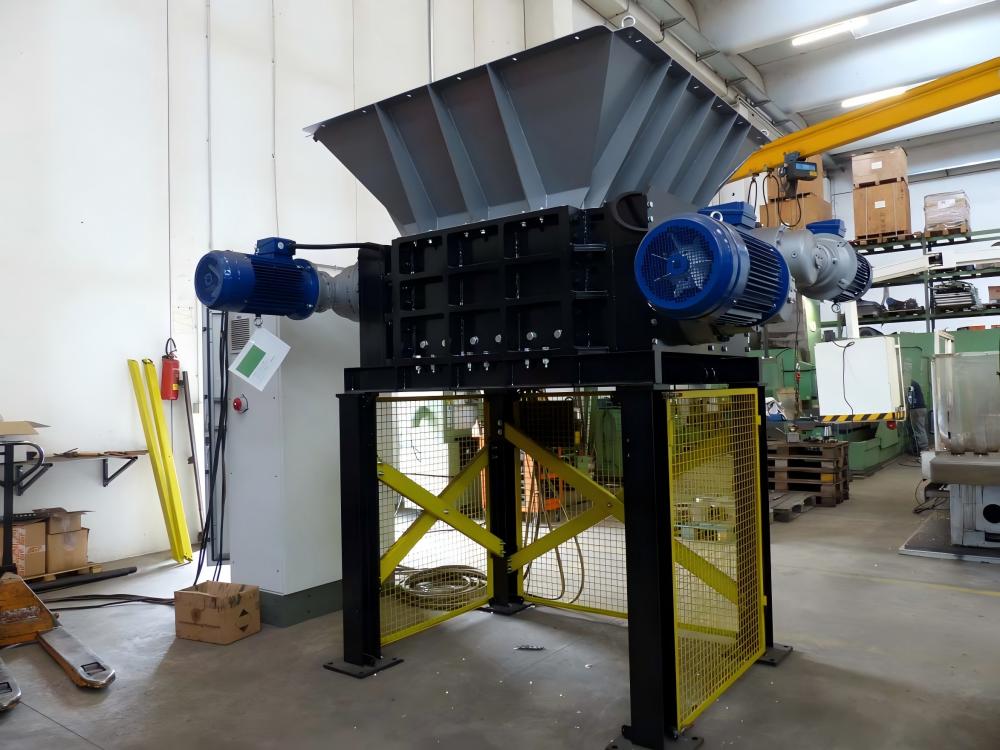
Selection Advice: Choosing Reliable Control Systems
When investing in metal fabrication equipment, the quality of the control system is just as important as the strength of the shredding blades. When selecting a four-shaft shredder, prioritize machines that use industry-standard PLC components, such as Siemens, Schneider, or Allen-Bradley. These systems are globally supported, meaning that if you encounter a control panel error, finding replacement parts or expert technicians is significantly easier than with proprietary, obscure systems.
Consider the modularity of the control panel design. A well-designed panel separates high-voltage power components from low-voltage control logic. This physical separation reduces the risk of EMI and makes it much easier to troubleshoot control panel errors in a four-shaft shredder. When inspecting a potential purchase, look for clear labeling of wires and components, as well as a comprehensive wiring diagram included in the machine documentation.
The HMI interface should be intuitive and provide real-time diagnostic data. Avoid systems that only show generic error codes. Instead, look for interfaces that provide descriptive text, such as “Sensor 3 Signal Lost” or “Shaft 2 Overload.” This level of detail drastically reduces the time required for troubleshooting and allows your maintenance team to perform repairs without needing to consult a manual for every single code.
Finally, evaluate the manufacturer’s support network. HARSLE provides extensive documentation and remote support capabilities for our shredders. When buying industrial machinery, ensure that the vendor offers training for your maintenance staff. Being able to troubleshoot control panel errors in a four-shaft shredder internally is a massive advantage, but having a reliable partner to call when the issue is complex is essential for long-term operational success.
FAQ: Common Questions About Shredder Troubleshooting
- Q: Why does my shredder stop randomly during operation?
A: Random stops are often caused by the overload protection system. Check for material jams or uneven loading. If the machine is clear, check the motor current settings in the PLC to ensure they are calibrated correctly for the material being shredded. - Q: How do I know if a sensor is faulty?
A: Most sensors have an LED indicator. If the sensor is active but the HMI does not register a change, the sensor may be faulty or the wiring may be broken. Use a multimeter to check for continuity and voltage at the sensor terminal. - Q: Can I bypass a safety interlock to keep working?
A: Absolutely not. Bypassing safety interlocks is dangerous and can lead to severe injury or permanent damage to the shredder. Always resolve the underlying issue that triggered the safety stop. - Q: How often should I clean the control cabinet?
A: Depending on the environment, we recommend a thorough cleaning of the control cabinet every 3 to 6 months. Use a vacuum or low-pressure air to remove dust from heat sinks and circuit boards. - Q: What should I do if the HMI screen is blank?
A: Check the power supply to the HMI unit first. If the power is present, check the fuse on the control board. If the fuse is intact, the HMI unit itself may have failed and requires replacement.
Conclusion: Maintaining Your HARSLE Shredder
Troubleshooting control panel errors in a four-shaft shredder is a manageable process when approached with a systematic mindset. By maintaining a clean environment, ensuring stable power, and keeping detailed records of machine performance, you can prevent many common issues before they escalate into major failures. Remember that the control panel is the heart of your shredder; treating it with the same level of care as the mechanical shredding chamber will pay dividends in machine longevity and production efficiency.
As you continue to operate your HARSLE equipment, stay proactive. Regular training for your maintenance team and adherence to the manufacturer’s recommended service intervals are the best defenses against unexpected downtime. When you encounter a problem, use the diagnostic tools provided by the HMI, consult your wiring diagrams, and don’t hesitate to reach out to our technical support team for guidance. With the right knowledge and tools, you can keep your four-shaft shredder running at peak performance for years to come.
Ultimately, the goal of effective troubleshooting is to minimize the time your machine spends offline. By mastering the steps outlined in this guide, you empower your facility to handle minor electrical and software hiccups with confidence. Whether it is a simple sensor adjustment or a complex PLC diagnostic, your ability to troubleshoot control panel errors in a four-shaft shredder is a vital component of a successful, high-output metal fabrication operation.